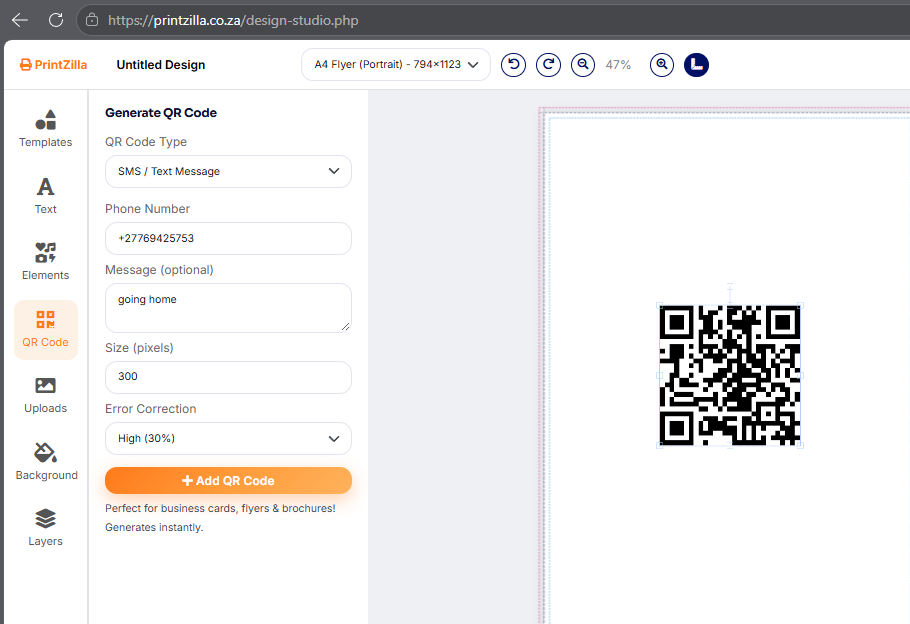
You don't need Photoshop skills or a design degree to make something that looks professional. PrintZilla's Design Studio was built for exactly that — a free, browser-based tool anyone can open and start using straight away.
Start from a template, not a blank page
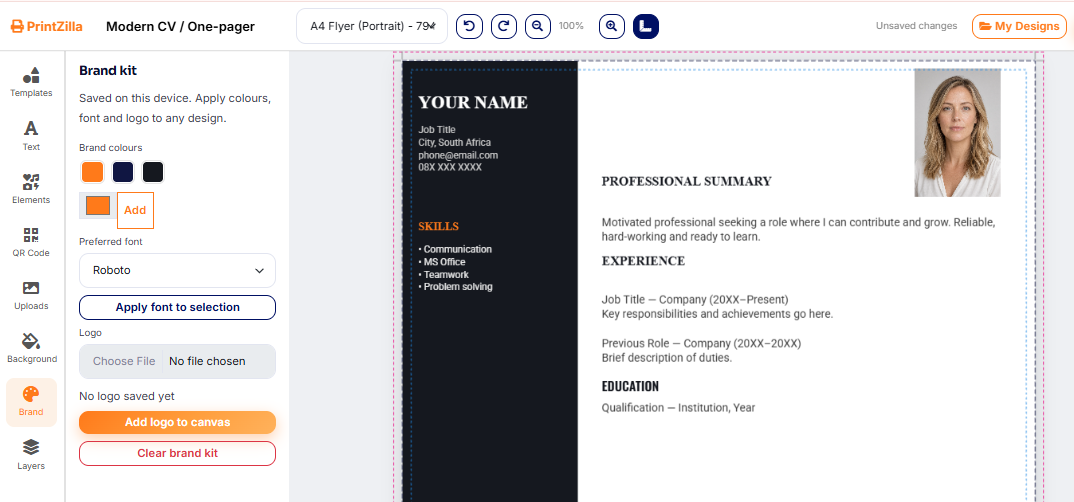
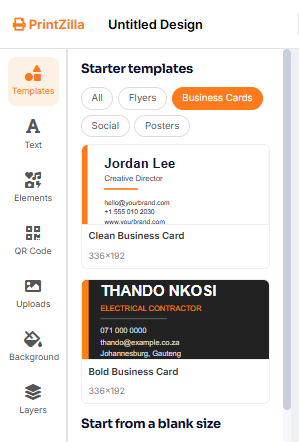
Pick from a library of ready-made layouts for flyers, posters, business cards and social media graphics. Every template is already sized and styled correctly, so you're never guessing at dimensions or margins.
Simple, drag-and-drop editing
<p>Swap out text, move elements around, change colours and fonts — all with clicks and drags, no technical know-how required. If you've used a phone before, you can use the Design Studio.
Your work is saved automatically
Log in, start a design, and come back to it whenever you like. Nothing is lost if you close the tab halfway through.
From design to doorstep, without leaving the site
This is where the Design Studio really shines: once you're happy with your design, send it straight into a print order. No exporting, re-uploading or juggling files between different websites — design and print happen in one place.
Who is it for?
Small business owners who need a flyer by tomorrow
Anyone promoting an event, sale or announcement
People who want a business card without hiring a designer
Students and community groups on a tight budget
Best of all, it's completely free to use. Log in and give it a try open the Design Studio and see how far you can get in five minutes.
 PrintZilla
0 Comments
No comments yet. Be the first to share your thoughts.
Leave a comment
Your email address is never published. Comments are reviewed before they appear.